3 reasons why I like Obsidian
Before I get into why I love Obsidian and why you should use it, let’s go over what is Obsidian.
What is Obsidian?#
Obsidian is a place to store all your thoughts, ideas and more. It’s the best out there for a couple of reasons
- Your notes are right on your computer meaning ever single file in Obsidian is a file on your computer.
- Obsidian uses markdown (every one uses it, because it’s the best), it’s basically a way to format your notes to make them more readable and look more appealing.
- You can visualize your notes. There are multiple ways you can visualize and make connects about your note’s that you’ve might not seen before.
- There’s plugins that you can put in Obsidian. There are thousands of plugins and themes for Obsidian that makes it feel more personalized to you.
Obsidian’s goal is to give you a place where you can put down all your notes. (Obsidian calls it a vault). And I think it does a pretty good job at it.
Obsidian in general#
I use Obsidian almost ever day for like everything, if i ever have a idea or a note I put it in Obsidian. Obsidian make’s it really easy to make it seamless into your daily life. It’s almost like you’ve gained a super power, being able to go back and see what you’ve done. Like you can have everything right in your Obsidian vault! You have can your notes, passwords and your calendar right were you need it. OK let’s stop talking about in general, how can you implement this into your own life, how can you use it?
Getting Obsidian#
Just go to the Obsidian website and download it. It’s available for all platforms including iOS and Android. Just run through the installed to get set up. If you’ve never created a vault before then create one when you run Obsidian then choose a folder on your computer, remember this will hold all your files that you create in Obsidian. After that you will see something that looks like this.
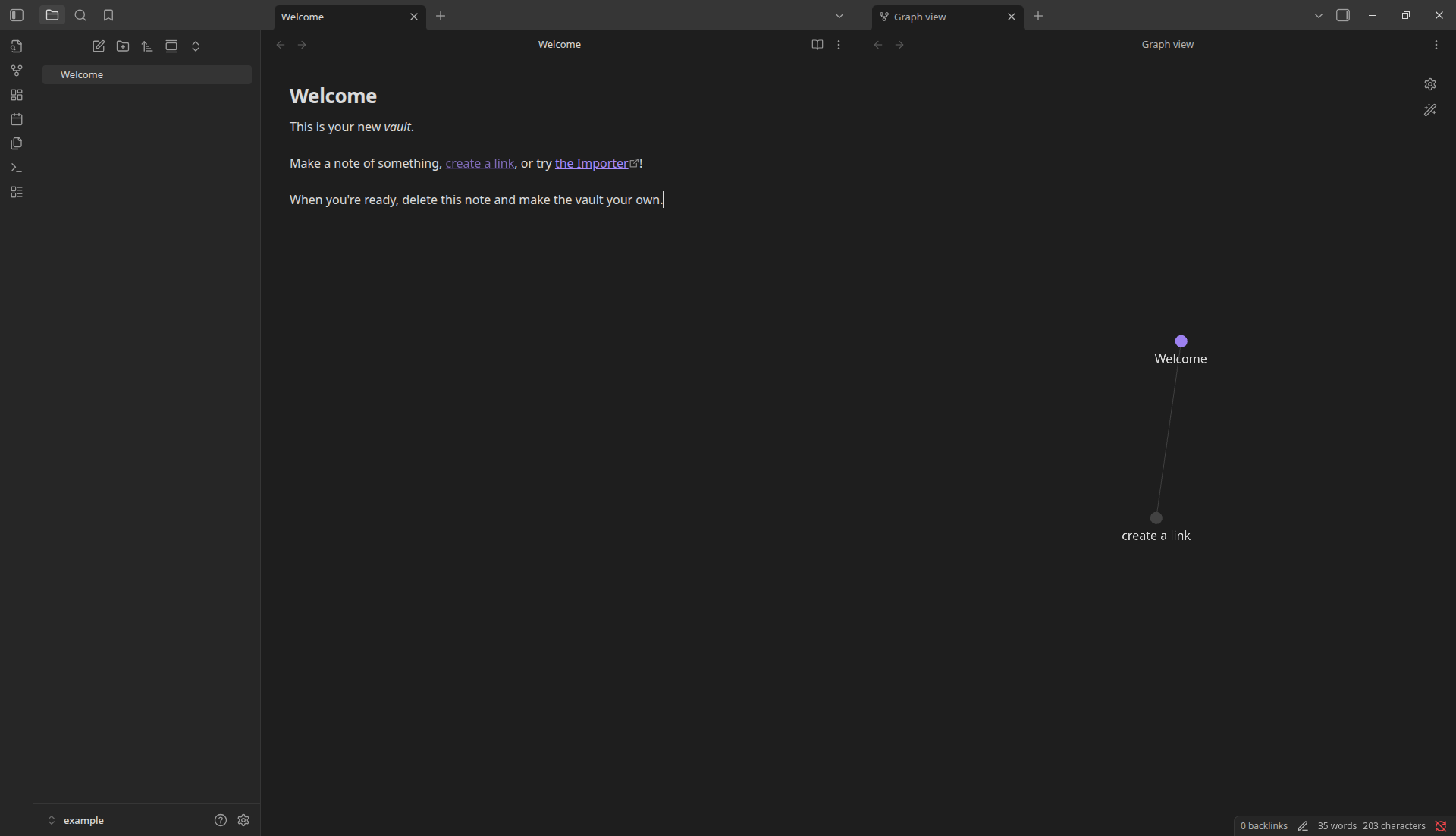
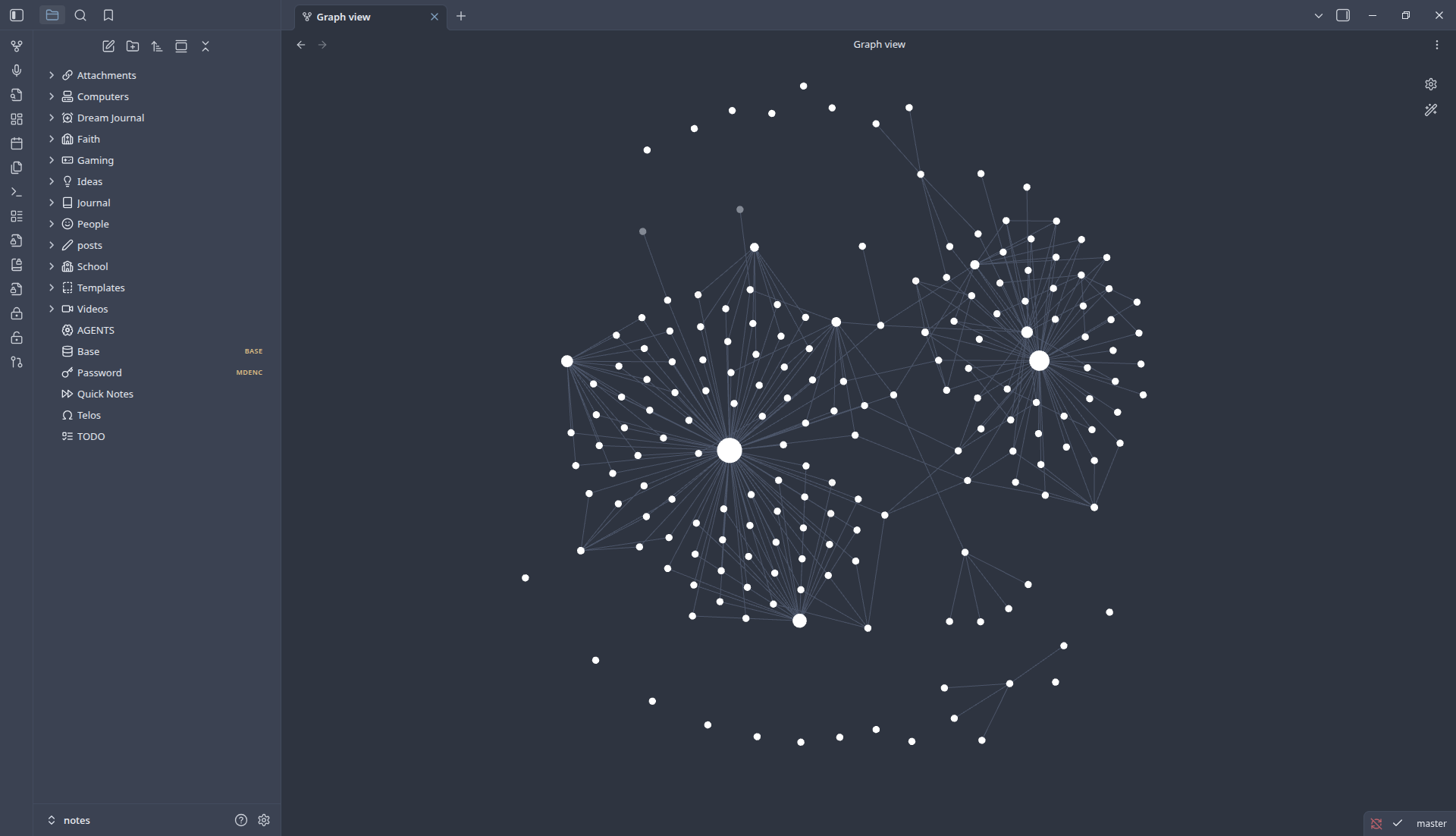
This won’t be a full guide but it will get you started, just follow the instructions or you can view the docs. But as you can see on the left side of the pictures you will see a kind of like graph looking view. And it’s just called graph. This is one of the ways you can visualize your notes, you can see how you make connections with a interactive view. And that brings us into are next section.
Visualizing your notes#
With Bases you can visualize your notes even more by turning it into a place where you can filter and sort data.
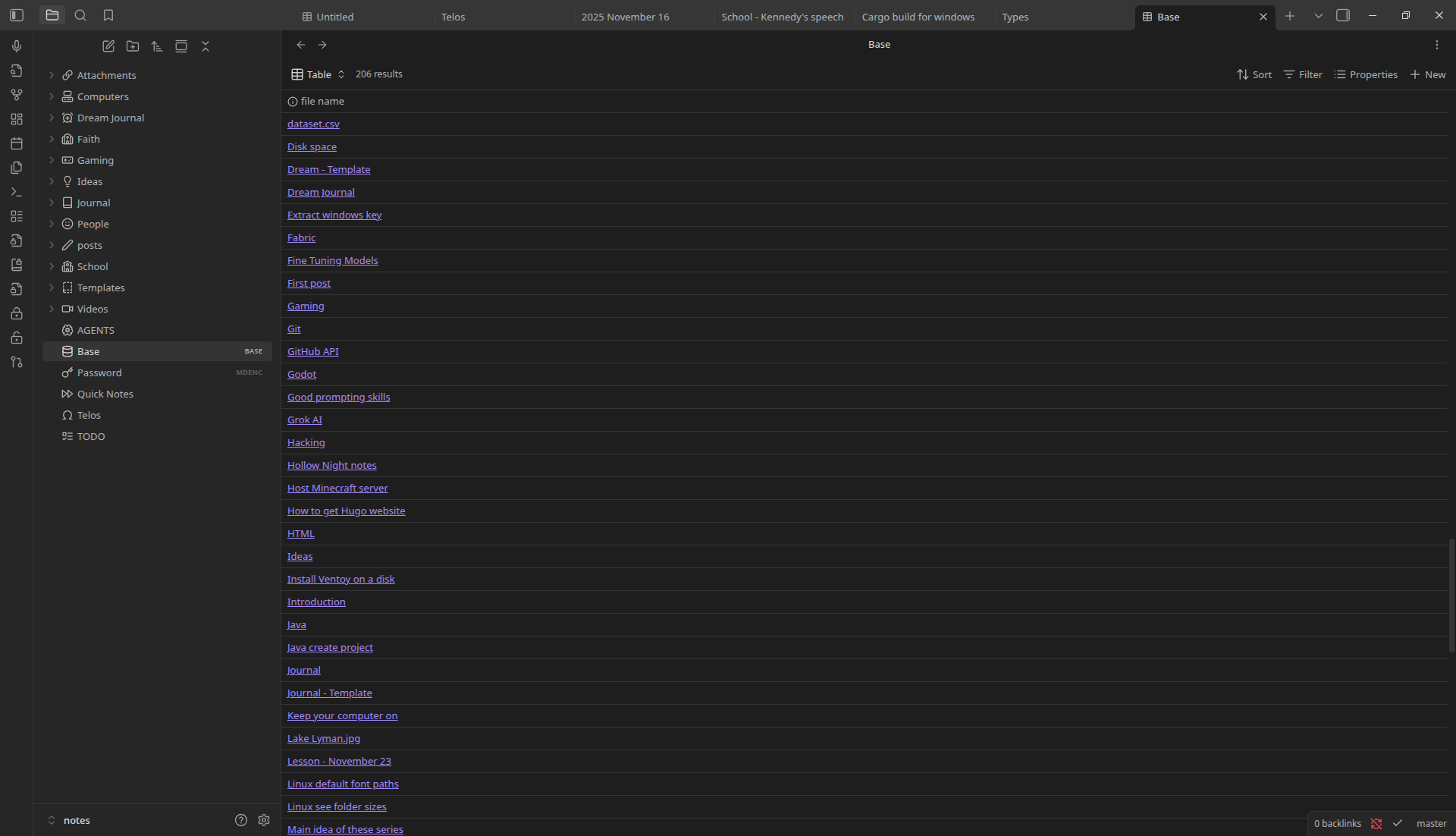
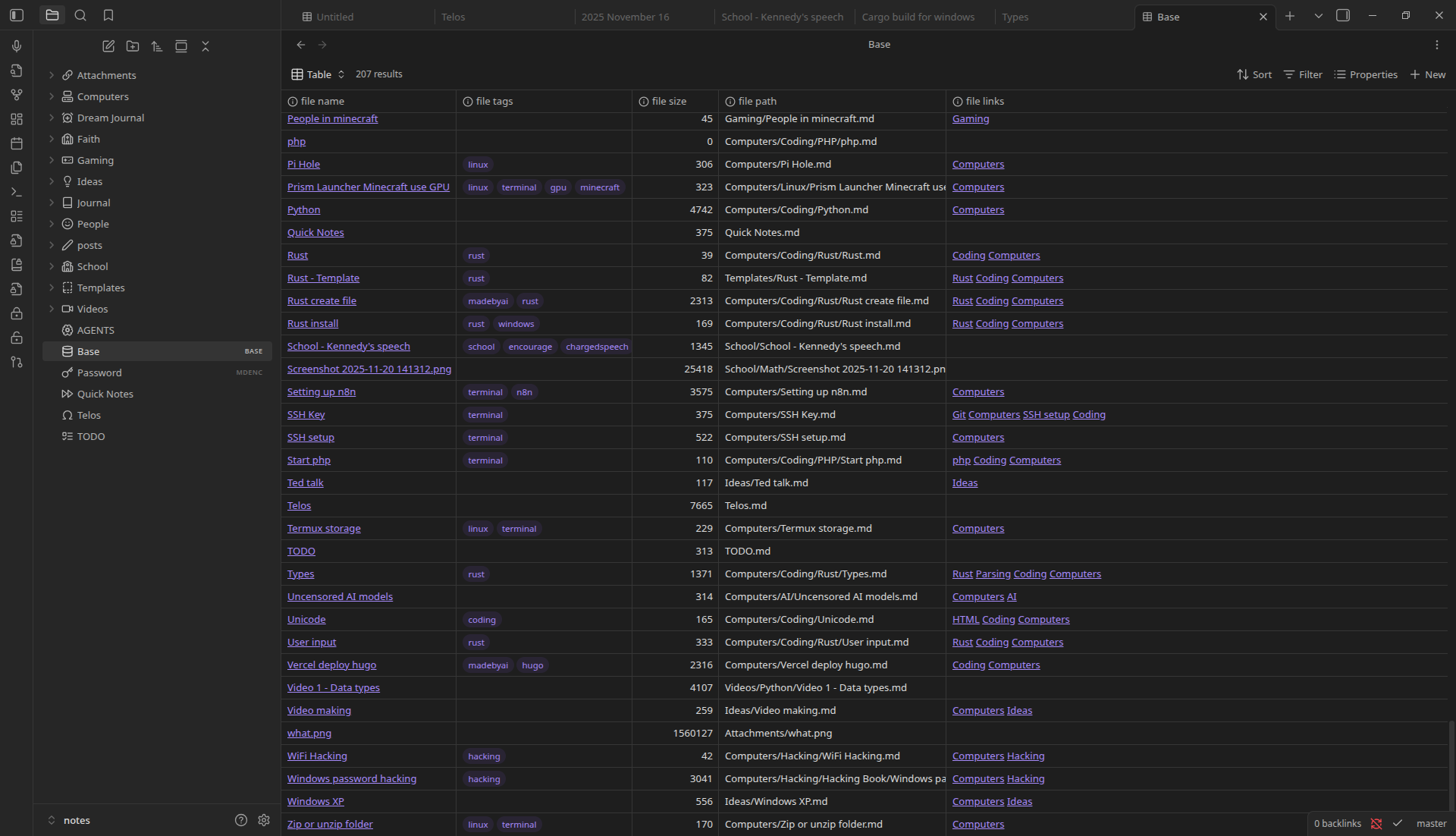
This is just a plain base because there’s no properties added, when you add more properties it can start to look more like this.
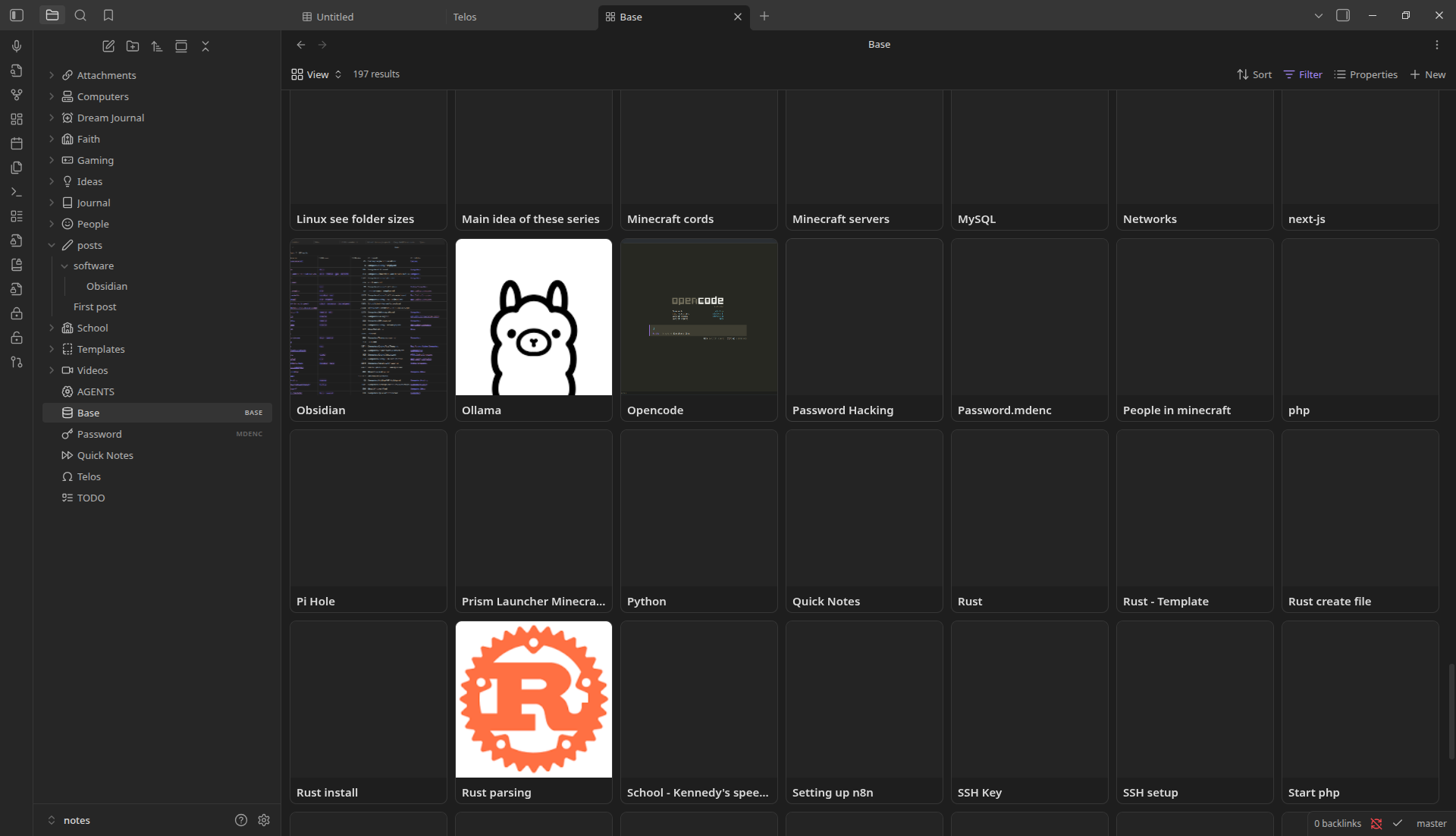
You can also change views, for example you can turn it to card view which displays a image for you on every file you have.
Plugins#
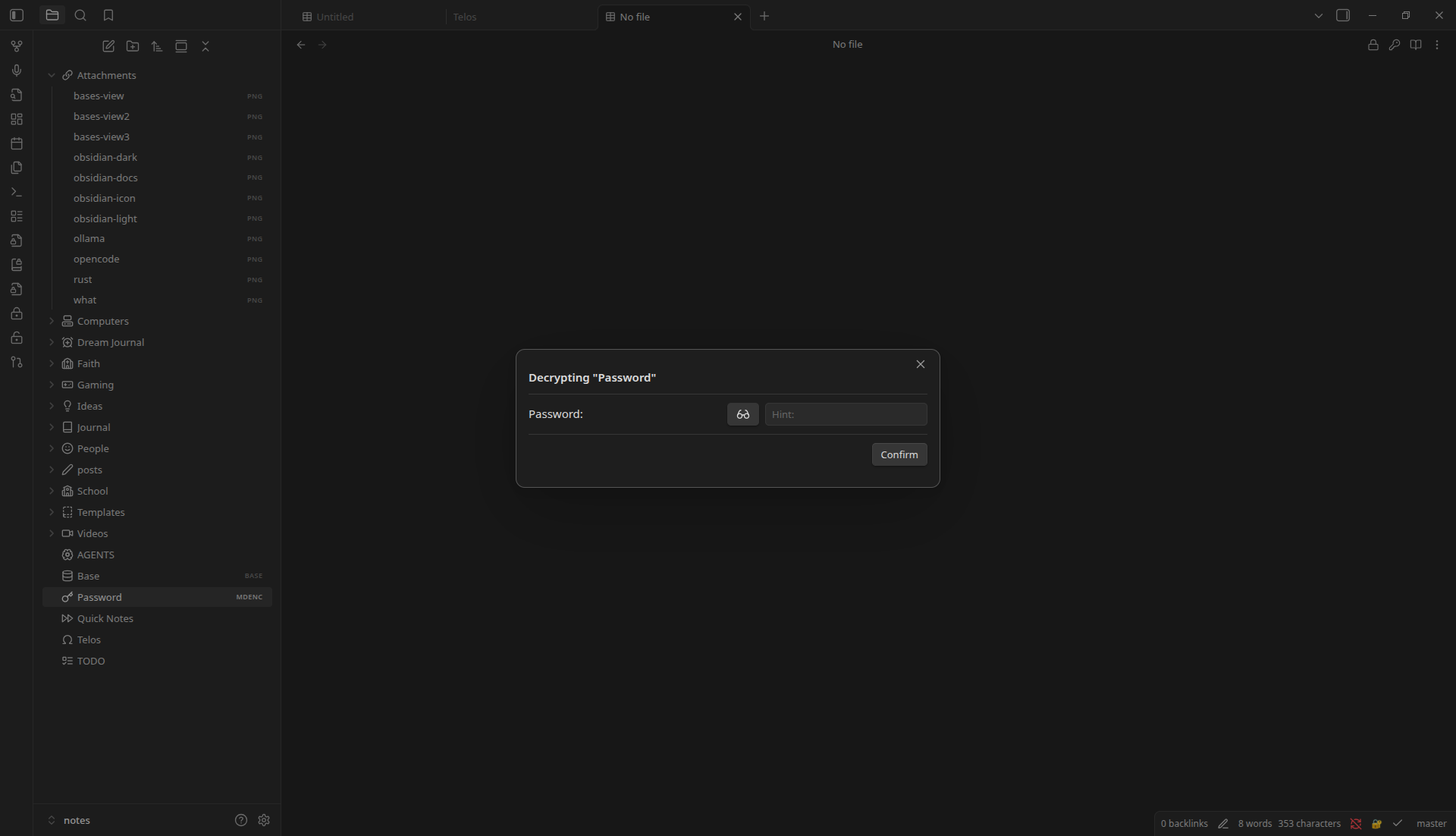
I think this is one of the best features of Obsidian. Developers can make plugins to extend the functionality of Obsidian. For example if you look at the previous picture, the icons by each folder is a plugin feature. It brings my Obsidian vault to life, makes it feel more comfortable and personal. There is also a plugin to encrypt notes, like if you have a password in a note and you want to stop hackers from getting it then you can use that plugin to stop that.
Themes#
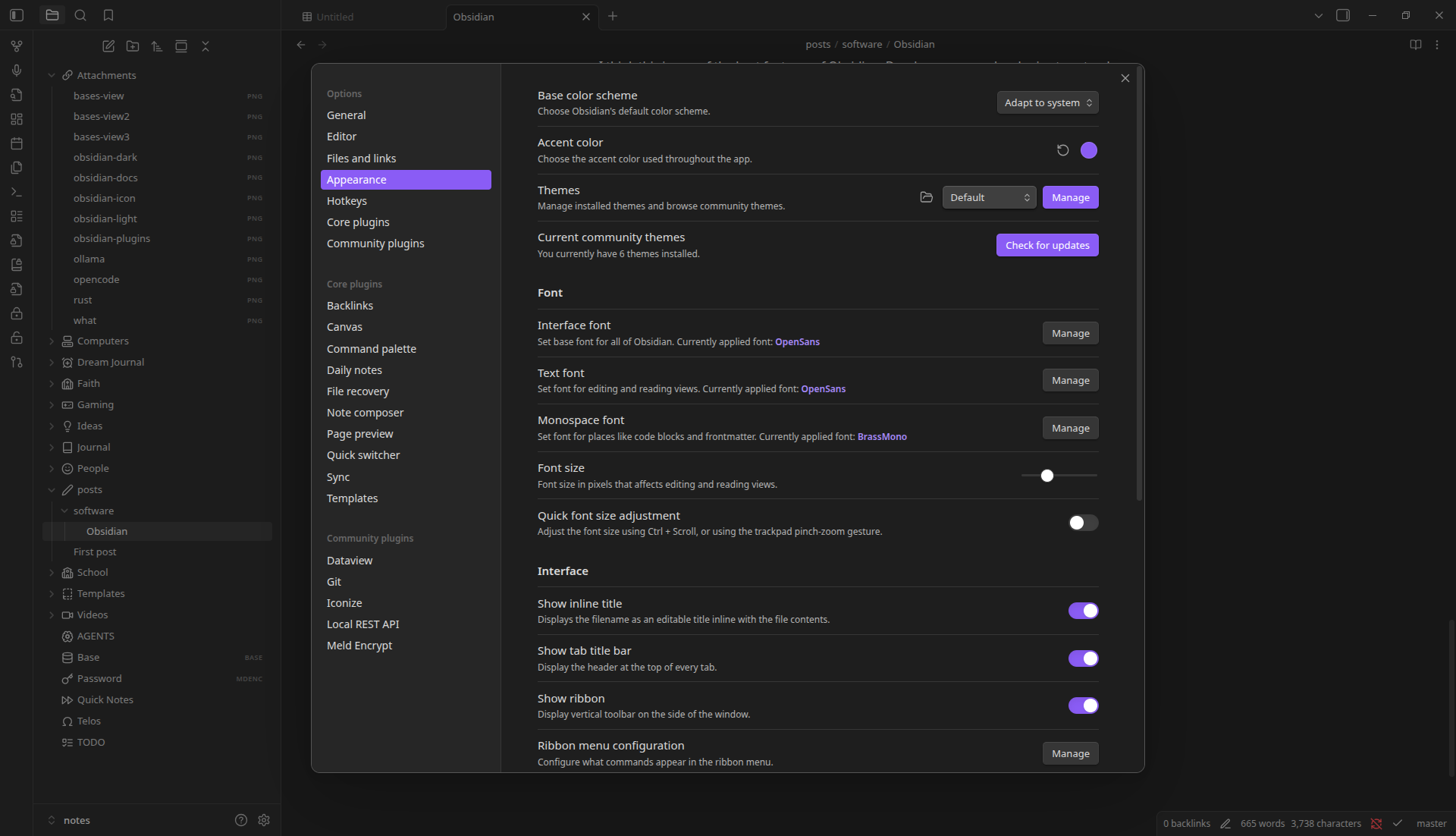
There are also themes that you can install that change the appearance of Obsidian, you just go to “Settings > Appearance” and you can install themes by clicking “Manage” and then change them by the drop down menu.
I personally like the Nord theme
Why you should use it#
Obsidian is a powerful knowledge management tool that changes how you organize and connect your thoughts and notes. Obsidian creates a personal knowledge vault where your notes become connected through directional links, making you discover relationships between ideas and your notes that you never knew existed. Obsidian grows with your thinking patterns rather than forcing you into predefined structures. And that’s why I think you should use Obsidian.
Links: